Why do I see "SERP not found" in Keyword Overview?
If metrics for a keyword can be found in the Keyword Overview report but not the SERP, most likely, this is because a keyword is included in our Keyword database but not in our Domain Analytics database. SERP analysis is available only for those keywords that are in our Domain Analytics database, and in general, our Keyword database is bigger than our Domain Analytics database.
However, there is a workaround solution: you can get the SERP data by updating the SERP-related metrics (KD, Intent, SF, Results, and SERP analysis) in real-time. Click on "Update metrics" either in the upper right corner of the interface or in the SERP Analysis section. The tool takes about 5 minutes to update the data.
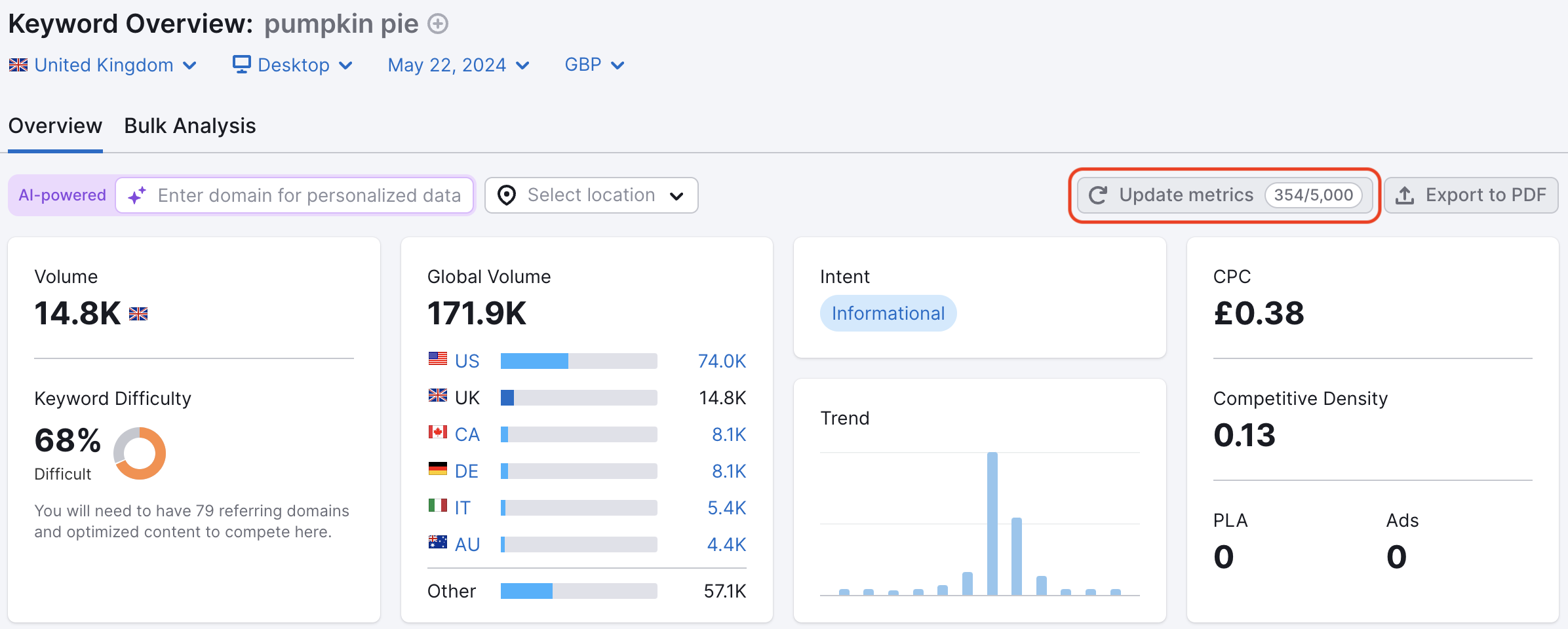
The "Update metrics" feature is available only with an SEO Toolkit subscription, and the number of times you can get fresh metrics for your target keyword each month depends on your SEO Toolkit level:
- SEO Pro - 250
- SEO Guru - 1000
- SEO Business - 5000
 Quay lại Các bộ công cụ Semrush danh mục