In order to get the most out of your Social Media campaigns, you need to have the right type of content. After you build your audience you want to make sure you are distributing the content that answers their needs. Follow the following steps below to help find the perfect content to fill your schedule.
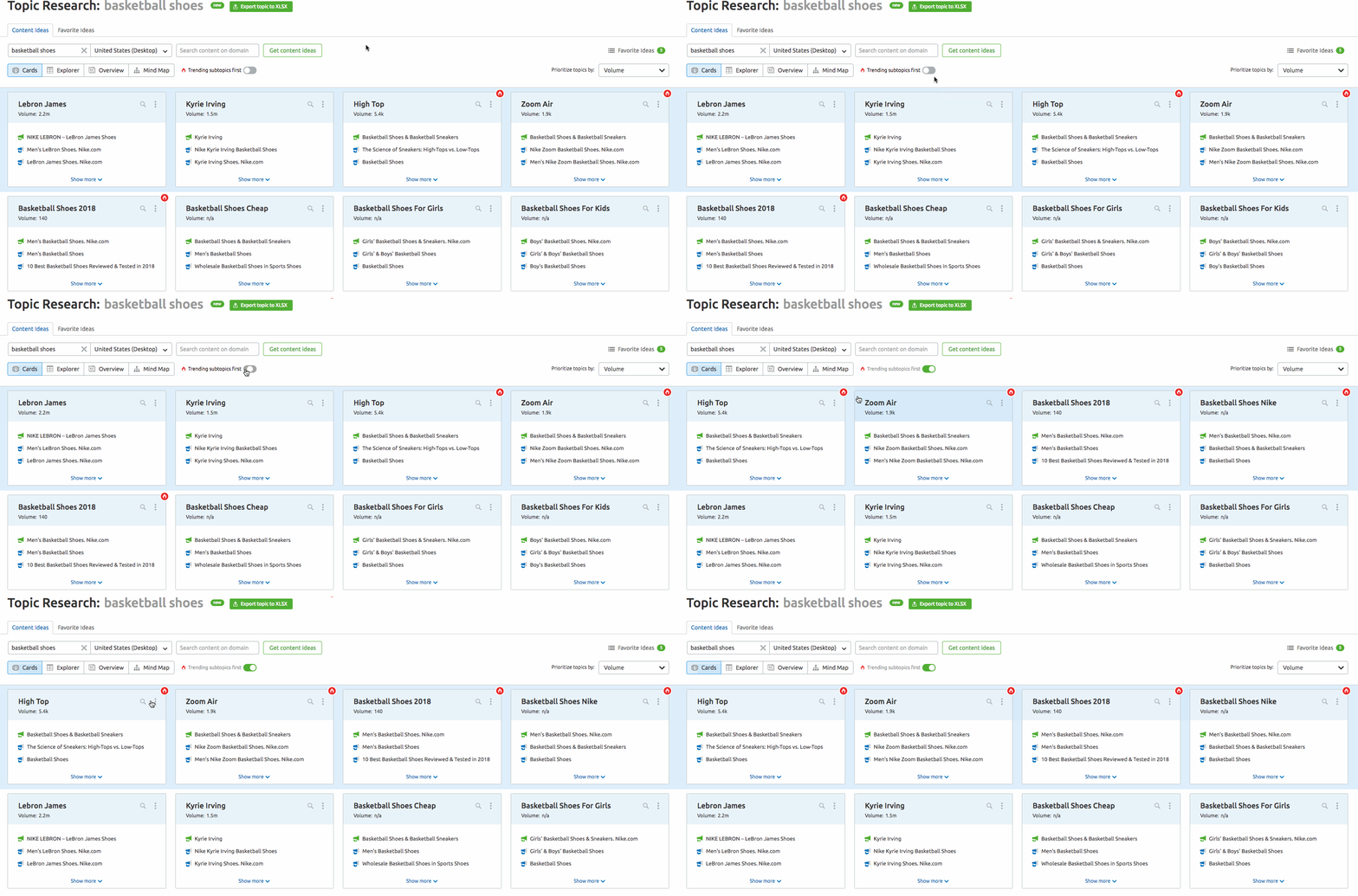
Answer the questions your audience has by following the trending topics in your niche. Use Topic Research to uncover trending topics and the most searched questions.
- Enter a topic into the Topic Research search bar.
- To find all of the trending subtopics first, just turn on the trending topics feature.
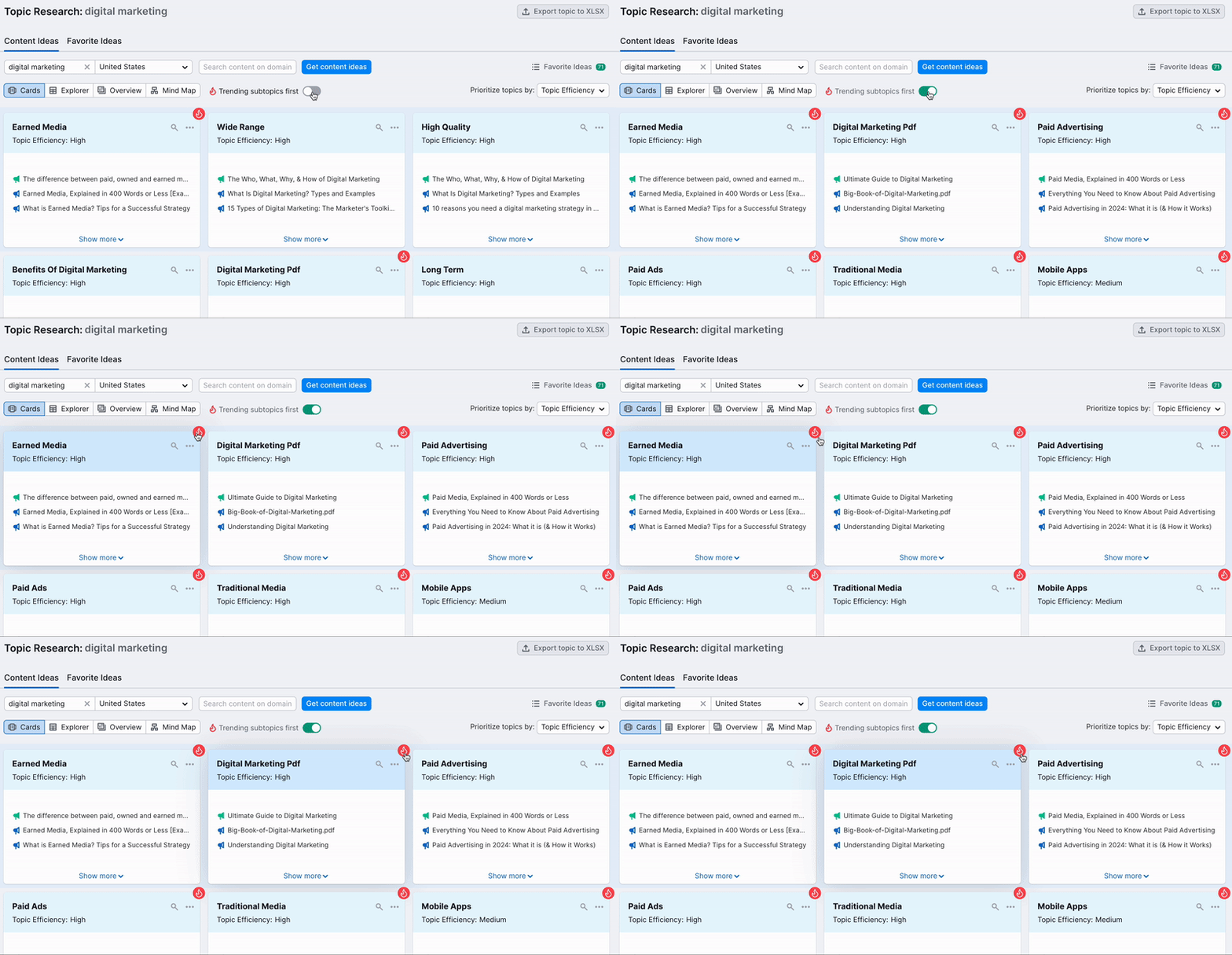
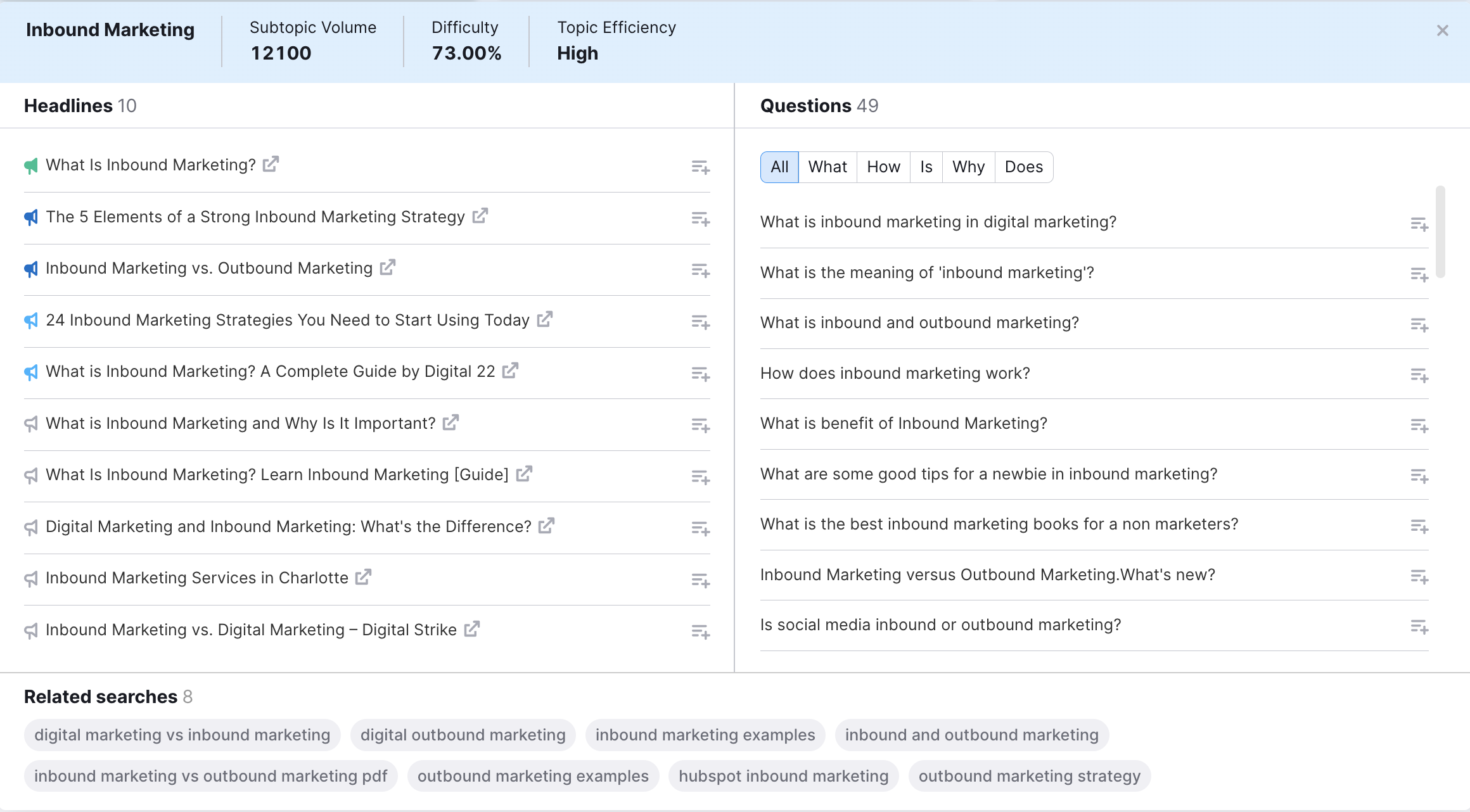
- View the topic cards to reveal potential headlines and the most search questions for that topic.
- Review the related searches and headlines to add top trending content to your posts.
- Use the Social Media Poster to post and share your new content.
- Navigate to the Google Chrome store and search for the Social Media Poster chrome extension. This will let you find outside content to share in one easy click. Doing this can help keep your audience engaged with your social platforms.
- Go to the Content Ideas section of Social Media Poster and add RSS feeds from your favorite blogs to Social Media poster to get a constant stream of new ideas to share with your own audience.
- Schedule the posts that you want to share with your social media queue, set up in the Poster tool.